Guide
How to search your saved posts on Instagram and TikTok
Updated
Neither Instagram nor TikTok lets you search inside what you saved. You can sort your saves into collections and scroll through them. To find one by typing what you remember ("that sparkly skirt I saw"), it has to live in an app that searches, like nudgio.
Where your saves are
- Instagram: Profile, menu (the three lines), Saved. All posts, or your collections.
- TikTok: Profile, the bookmark icon (Favorites), with your videos and your collections.
- Meanwhile: when you save on Instagram, press and hold the bookmark and pick a named collection. The more specific it is, the less you will scroll.
Why one is so hard to find
You saved it in ten seconds, between one video and the next. Weeks later you remember what it was about, but not the title or the account. So you look in Instagram, then TikTok, then your screenshots.
Not because you saved it wrong. Because every app saves its own way, and none of them searches by what you remember.
How you search in nudgio
Save with the share button.
From Instagram, TikTok, YouTube, Pinterest or any website: a reel, a recipe, an article, a skirt, a book. Anything with a link.
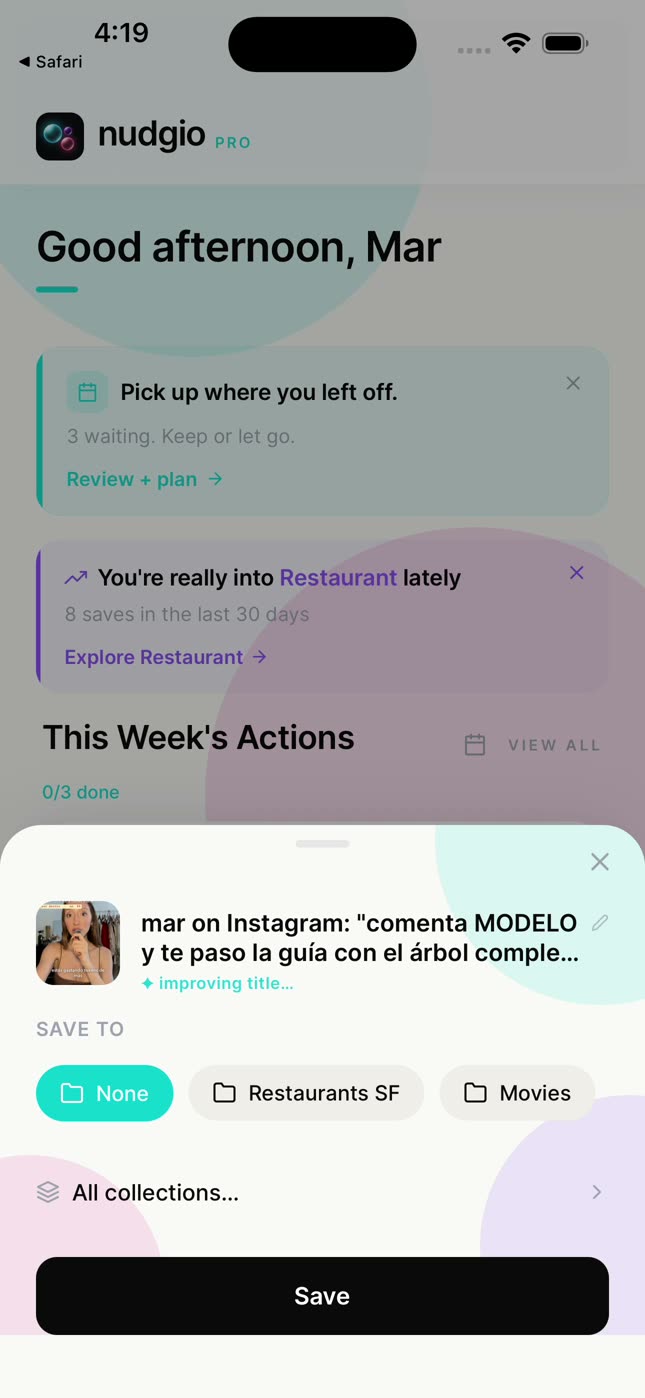
nudgio names it.
A clear title, tags and a category, from what the post says.
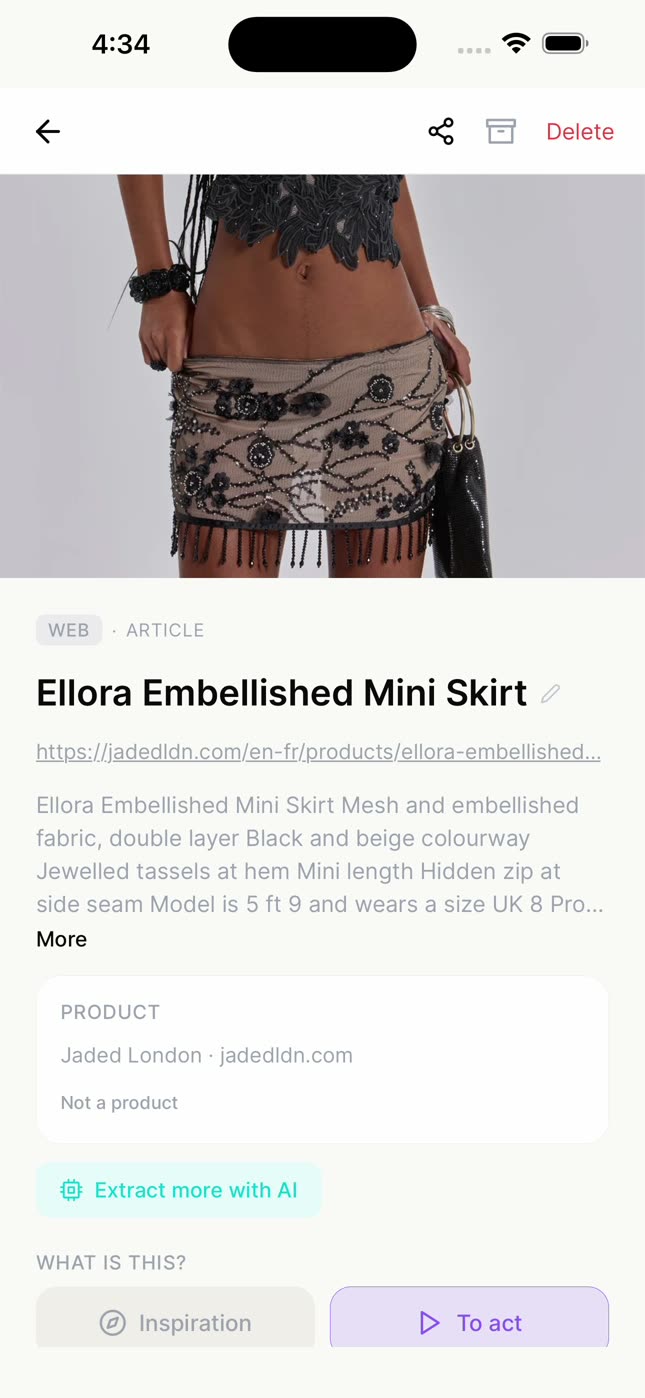
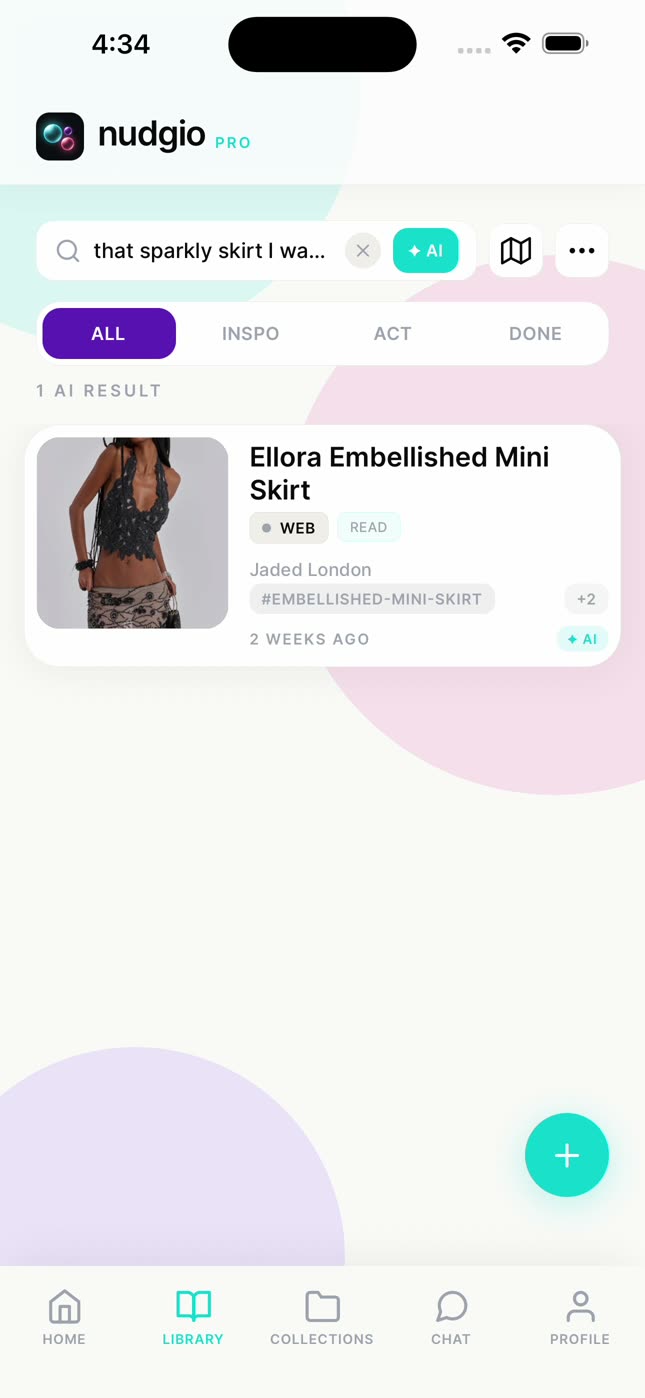
Search the way you remember it.
Turn on ✦ AI search and type "that sparkly skirt I saw" or "fitness videos on YouTube". It finds what fits even when no word matches. If you know the name, plain search is instant.
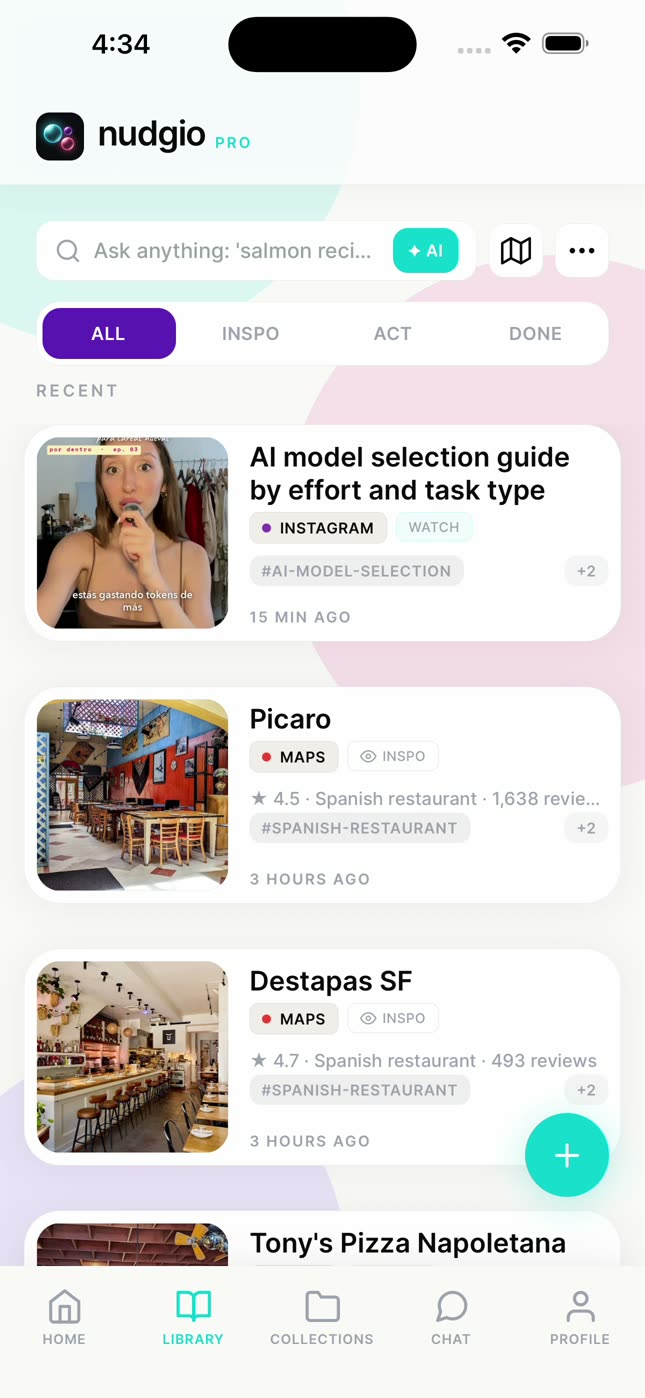
Filter.
By what you will do with it (cook, read, watch, buy…), by what you have done, or by tags.
Or ask the chat.
"What did I save about personal branding?", and it brings them back with their links. If it is a recipe, it scales it for 10 people or turns it into a shopping list.
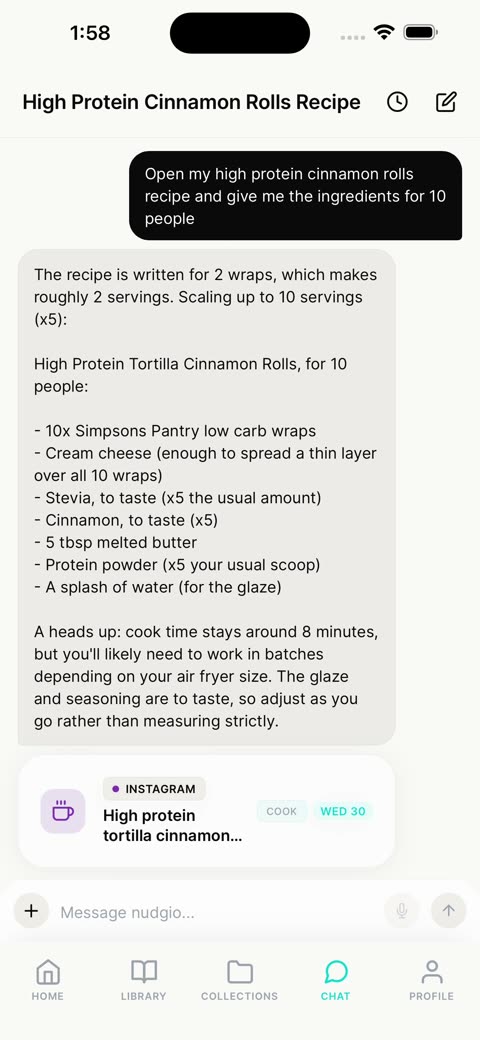
Good to know
- nudgio does not pull in everything you already saved on Instagram or TikTok at once: it works with what you save from now on. The old ones that matter, you bring over with the share button.
- It does not download the video. It keeps the link, a thumbnail and what the post says, and you open it in its app whenever you want.
You never lost it. It was just in another app.
Questions
Can you search your saved posts on Instagram?
No. As of October 2026, Saved has no search bar; you can only sort it into collections.
What about TikTok Favorites?
No search there either. You can sort them into collections too.
Can anyone see what I save in nudgio?
No. What you save is yours; you only share the collections you choose.
Does it work with things that are not from Instagram or TikTok?
Yes. Any app or website with a share button, from a science paper to a sofa.
Is it free?
Yes. Saving, organizing and searching, AI search included, is free. nudgio Pro adds 100 chat messages a day, saving from photos and screenshots, giving a save a day and adding it to your phone’s calendar, and more.