Guide
One place for everything you save, wherever it comes from
Updated
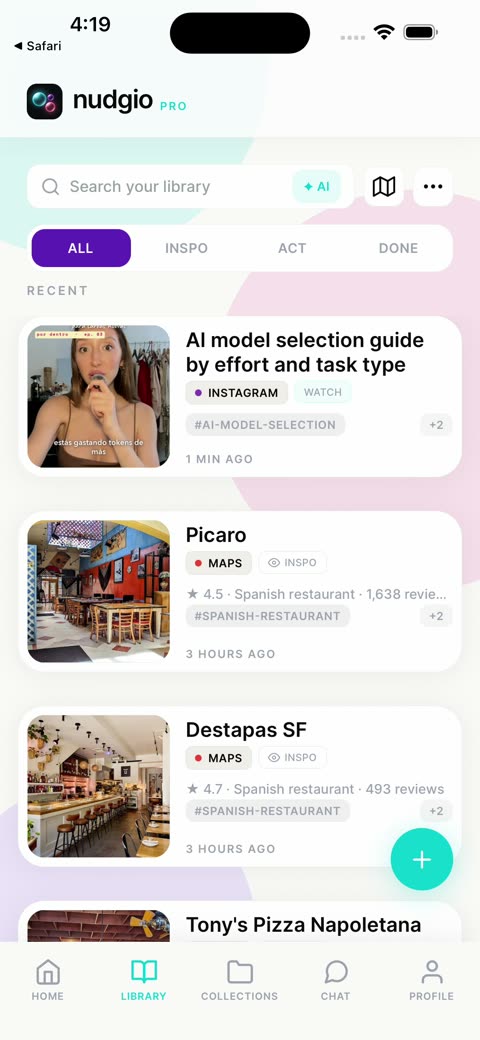
nudgio is an iPhone app where you save anything with a link, from Instagram, TikTok, a store or any website, with the share button. It names it, sorts it into collections and lets you find it by describing it. And when the moment comes, it helps you do it. Free on iPhone.
Everything that fits
- A reel or a TikTok: with its title and what the post says, so you can find it when you look for it.
- A recipe: with its ingredients, servings and steps. The chat scales it or turns it into a shopping list.
- An article: with its summary and key ideas, so you can come back to it without reading it all again.
- A product, like that Zara jacket or a lamp: with its brand and price, next to everything else you want to buy.
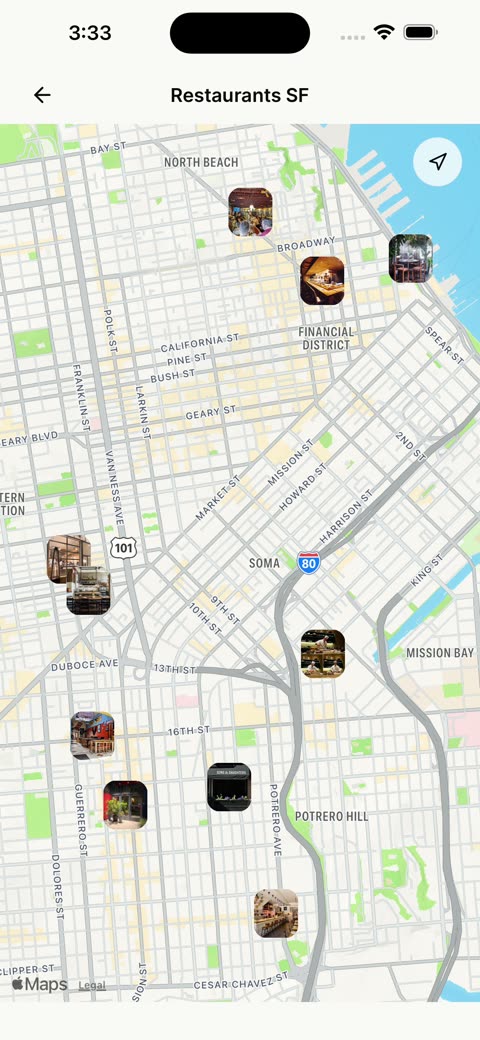
- A place from Google Maps: with its photo, its address and its pin on your map.
- A movie, a series or an album, from Netflix, HBO, Disney+, Prime Video or Spotify.
- An event: with its date and its venue.
- A science paper, a tutorial, a loose idea: anything with a link.
Why one place
What you saved on Instagram stays on Instagram. TikTok, on TikTok. Links, in a chat with yourself. Screenshots, somewhere in your camera roll.
And when you want to get back to something, you do not even know where to start.
Not because you are not organized. Because everything stayed in the app where you found it.
How it works
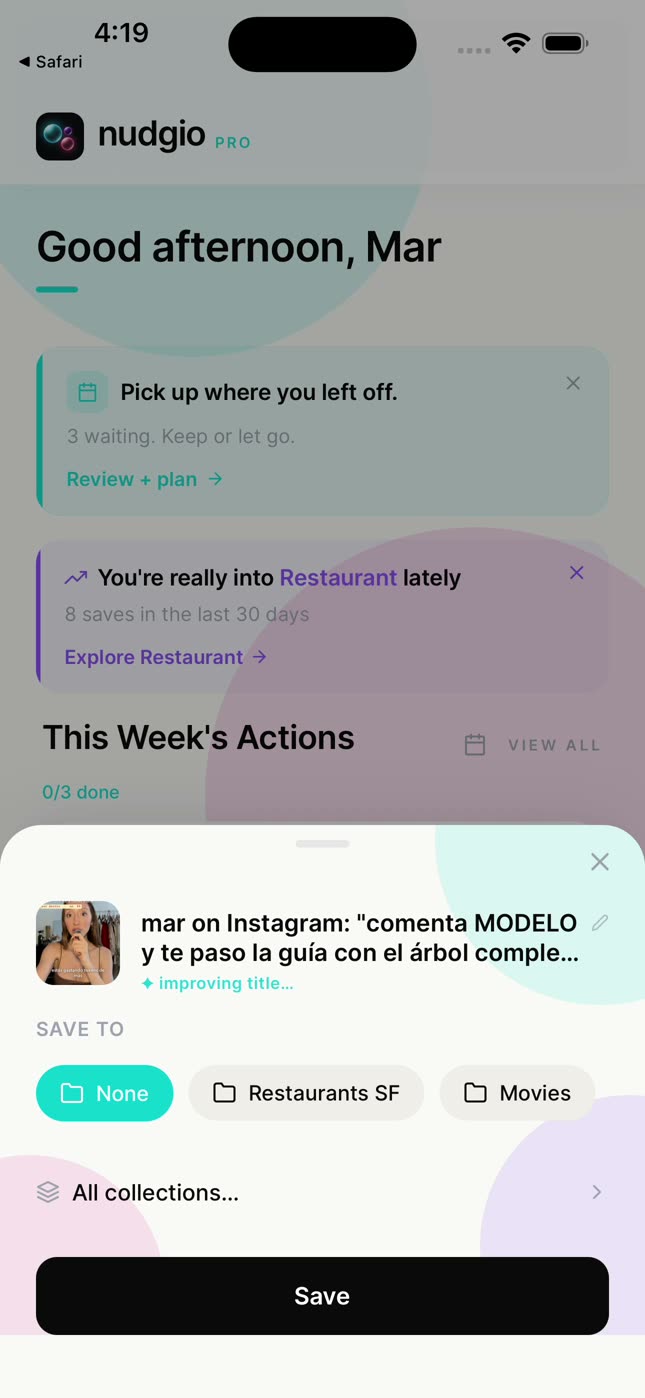
Save it in one tap.
With the share button of any app or website, by pasting the link, or by asking the chat.
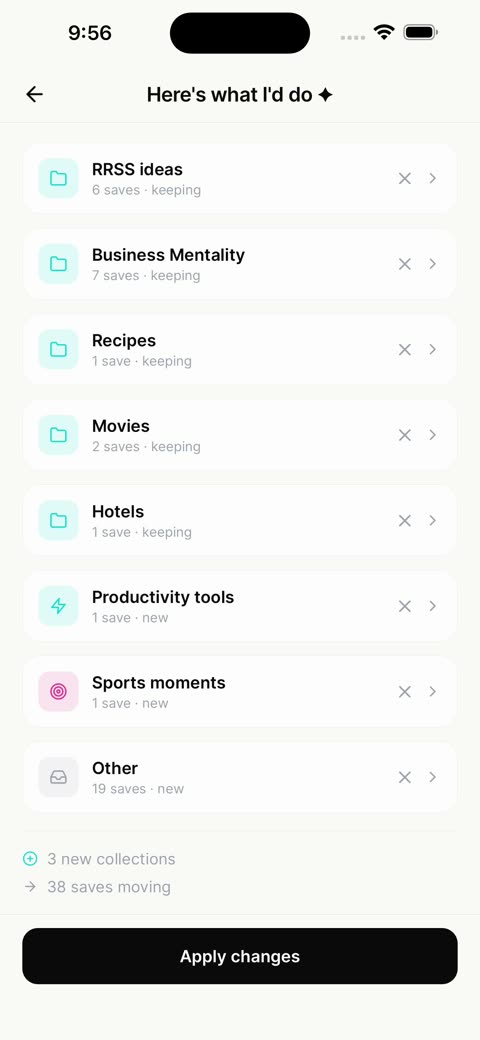
It sorts itself.
AI Organize suggests collections, like Recipes, Movies or Hotels, and you decide.
Find it when you need it.
With ✦ AI search, by describing it, or on the map, where all your places are.
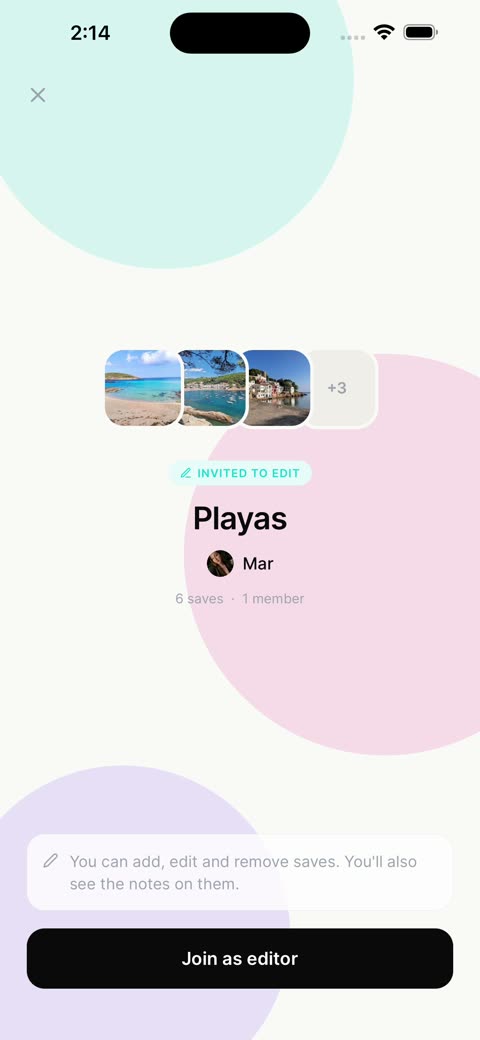
Build it with your people.
Collections where several people add: a trip, gifts, weekend plans.
Do it.
Give it a day, add it to your phone’s calendar, and every week nudgio reminds you of what you have to do.
If you used Pocket
Pocket shut down in July 2025. If you saved articles there to read later, in nudgio you save them the same way, with the share button, next to everything else. Two differences, so you know: nudgio is not an offline reader (it keeps the link, what the page says and a summary, and you read the article on its site), and it does not import your Pocket list.
Saving was never the problem. It was missing one place for everything.
Questions
What can I save in nudgio?
Anything with a link: posts, reels, videos, articles, products, places from Google Maps, movies, songs or events. And also from a photo or a screenshot.
Which apps does it work with?
Any app or website with a share button: Instagram, TikTok, YouTube, Pinterest, X, Safari or an online store. Or paste the link, or ask the chat.
Is it a Pocket alternative?
For saving and finding, yes. It is not an offline reader and it does not import your Pocket list.
Can I share what I save?
Yes. You share collections, and you can invite other people to add to them.
Is it free?
Yes. Saving, organizing and searching, AI search included, is free. nudgio Pro adds 100 chat messages a day, saving from photos and screenshots, giving a save a day and adding it to your phone’s calendar, and more.